
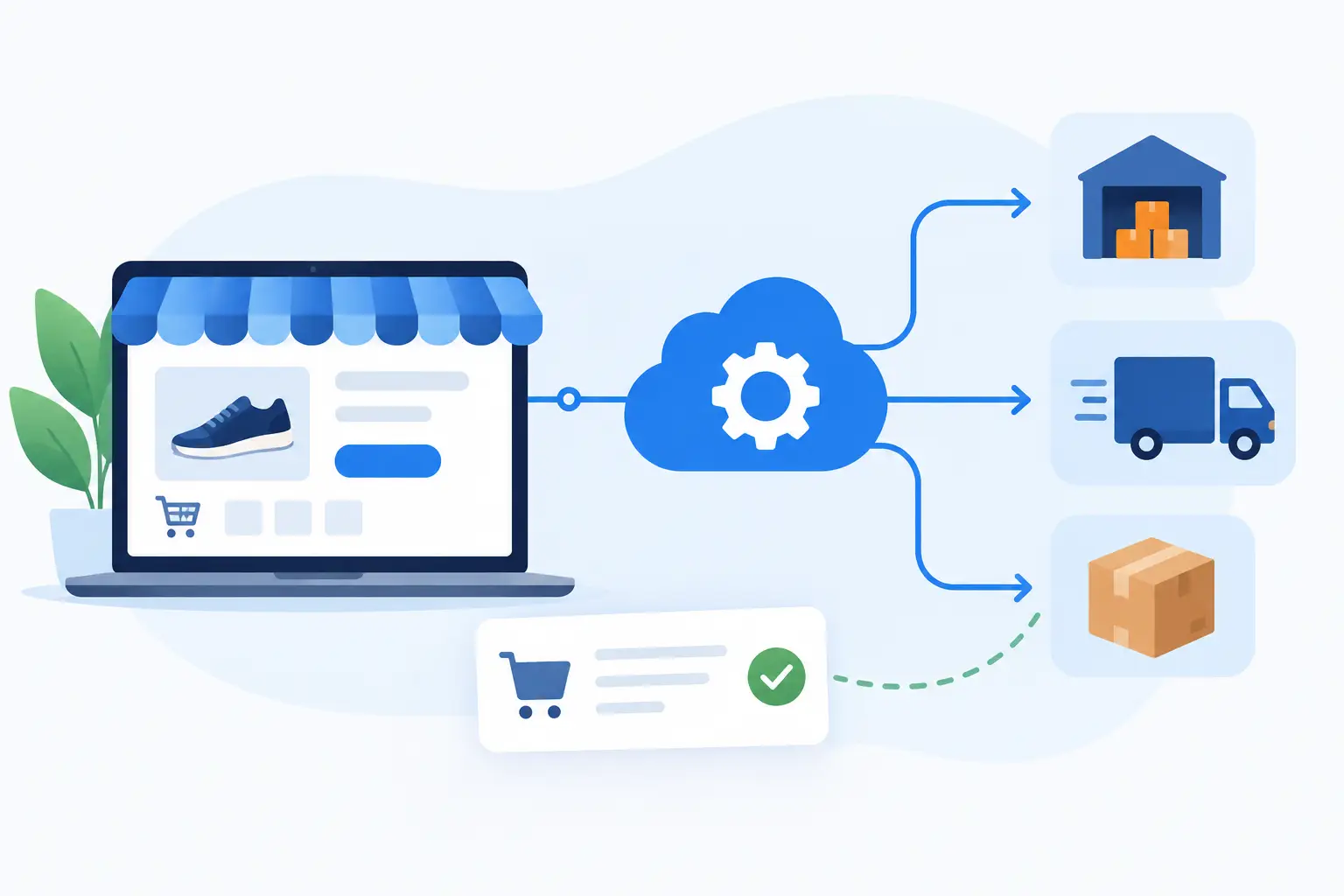
An order lands in your ecommerce store at 10:14 am. By 10:16, the warehouse needs an accurate pick instruction, stock needs to be adjusted, the customer record needs updating, and finance needs a transaction it can reconcile. When any part of that chain relies on copying and pasting, API integration for ecommerce orders stops being an IT nice-to-have. It becomes an operational requirement.
For growing Australian businesses, the problem is rarely the absence of software. It is that each system holds part of the truth. Shopify, WooCommerce or Magento may hold the order. An ERP may hold stock and purchasing. A CRM may hold account history. A freight platform may create consignments. If those systems do not exchange the right data at the right time, staff become the integration layer.
That approach works only until order volume, product complexity or customer expectations increase. Then it produces delayed despatches, oversold products, duplicate records and too much time spent chasing exceptions.
What API integration for ecommerce orders should achieve
An application programming interface, or API, gives systems a controlled way to send and receive data. In an ecommerce order workflow, that typically means an order placed online triggers actions in the systems responsible for stock, fulfilment, accounting and customer communications.
The goal is not to connect every available field because it can be done. The goal is to create a reliable order lifecycle that reflects how the business actually operates. For a straightforward retailer, this may mean sending paid orders to the fulfilment system and returning tracking details to the ecommerce platform. For a parts supplier, it may also require account pricing, backorders, supplier availability, multiple warehouses, freight rules and trade customer approval flows.
A well-designed integration gives each platform a clear role. Your ecommerce platform manages the customer-facing purchase experience. Your ERP or inventory platform remains the source of truth for stock, cost and fulfilment status. Your CRM receives meaningful customer and sales activity rather than a pile of partial records. This reduces conflicting data and makes reporting more trustworthy.
The commercial benefit is practical: fewer touches per order, fewer preventable errors and faster movement from checkout to despatch. It also lets the business grow without hiring people solely to rekey information between systems.
Start with the order lifecycle, not the software
Many integrations fail because the project begins with a technical question: can Platform A connect to Platform B? Usually, it can. The harder and more valuable question is what should happen when an order is placed, changed, cancelled, partially fulfilled or refunded.
Map the real lifecycle before development starts. Follow a typical order from the moment a customer checks out to the point it is delivered, invoiced and available in reporting. Then examine the exceptions. Those exceptions are where manual work and customer frustration tend to live.
For example, a business selling stocked products may need an online order to reserve inventory immediately, while a business selling made-to-order items may need the order to enter a review queue before it is released to production. A wholesale business may need to validate a purchase order number and credit status. A multi-warehouse operation may need allocation logic that selects the right location based on stock, delivery postcode and freight cost.
These are business rules, not technical decoration. If they are left vague, an integration can move data quickly while moving it incorrectly.
Decide where the source of truth sits
A common cause of integration problems is allowing two systems to update the same information without clear ownership. If your ERP owns inventory, it should generally publish available stock to the ecommerce store. If the ecommerce platform owns web orders, it should generally create the initial sales order in the ERP. But the exact arrangement depends on your operating model.
The same applies to product data, pricing and customer records. A retailer with a limited catalogue may manage products in its ecommerce platform. A distributor with thousands of SKUs, supplier feeds and account-specific pricing will usually need a central catalogue or ERP-led model.
There is no universal architecture that suits every business. The right model is the one that prevents duplicate maintenance and gives staff confidence about where to make a change.
Build for normal orders and difficult ones
A basic order push is easy to demonstrate. Production reliability is harder. Orders change after payment. Addresses fail validation. A customer buys an item that has just sold out. A carrier label service is unavailable for ten minutes. An API sends the same event twice. These are normal operating conditions, not edge cases to ignore.
A dependable ecommerce order integration needs controls around these events. It should identify orders uniquely so duplicates are not created. It should record each transfer and its outcome, making failures visible rather than silently dropping data. It should be able to retry temporary failures safely. And it should provide an exception queue or clear notification path for issues that require a person to decide what happens next.
Human oversight is not a failure of automation. It is good system design. The right aim is to automate repeatable decisions and present staff with the small number of orders that genuinely need judgement.
Status mapping deserves particular attention. “Paid”, “processing”, “allocated”, “picked”, “partially shipped”, “shipped”, “cancelled” and “refunded” can mean different things across platforms. Define the approved status transitions in plain English before mapping them technically. Otherwise, customer emails and internal reports may tell conflicting stories.
Choose the right integration approach
For a small, simple operation, a pre-built connector may be sufficient. It can be a sensible option where the workflow closely matches the connector’s assumptions and the cost is proportionate to the time saved.
The trade-off is control. Pre-built tools can struggle when you need custom product rules, account pricing, unusual fulfilment steps, multiple suppliers or data transformation between legacy systems. Teams often compensate with spreadsheets, manual checks or separate processes. The connector remains in place, but the original problem has simply shifted.
A custom integration is more appropriate when order handling is part of your competitive advantage or when existing systems need to remain in place. It can apply your actual allocation rules, synchronise only the data you need and fit into current workflows without forcing a wholesale platform change. It also gives you more ownership over the architecture, although it requires proper documentation, monitoring and ongoing support.
A hybrid approach is often sensible. Use stable platform APIs and established services where they fit, then add a tailored integration layer for the rules that make your operation different. Codex takes this practical approach: connect the systems worth keeping, automate the work worth removing, and avoid creating a larger software problem in the process.
Data quality comes before automation
An API cannot fix inconsistent product codes, missing addresses or duplicate customer records. It will usually move those issues faster.
Before connecting systems, review the data that will drive the workflow. Check whether SKUs match across platforms, whether product variants are structured consistently, whether units of measure are clear, and whether freight and tax rules are defined. If business customers have special pricing or payment terms, confirm where those rules live and how they are applied online.
This does not require a never-ending data-cleaning project. It does require enough discipline to ensure the integration has dependable inputs. Start with the data required to process orders correctly, then improve the wider dataset in stages.
Measure results that operations can see
A successful integration should be measured against operational outcomes, not simply whether an API endpoint responds. Track how long it takes for an order to reach fulfilment, how many orders require manual intervention, how often stock discrepancies occur and how many customer service queries relate to order status.
It is also useful to measure the cost of the old process. If staff previously spent two hours each day exporting orders, checking stock and entering sales orders, that is a clear baseline. As volumes rise, the avoided labour and reduced error rate become more significant than the initial integration effort.
Review these measures after launch. The first version should solve the highest-value bottleneck, not attempt to automate every future possibility. Once the core flow is stable, enhancements such as automated exception routing, supplier-order creation or AI-assisted email drafting can be added with a defined purpose.
The useful test is simple: when an order arrives, can your team trust that the right information reaches the right system without someone manually holding the process together? If the answer is no, the next improvement is not more dashboarding. It is a clearer, better-managed connection between the systems your business already relies on.
Explore how Codex software and systems integration services can connect the tools your team already uses.