
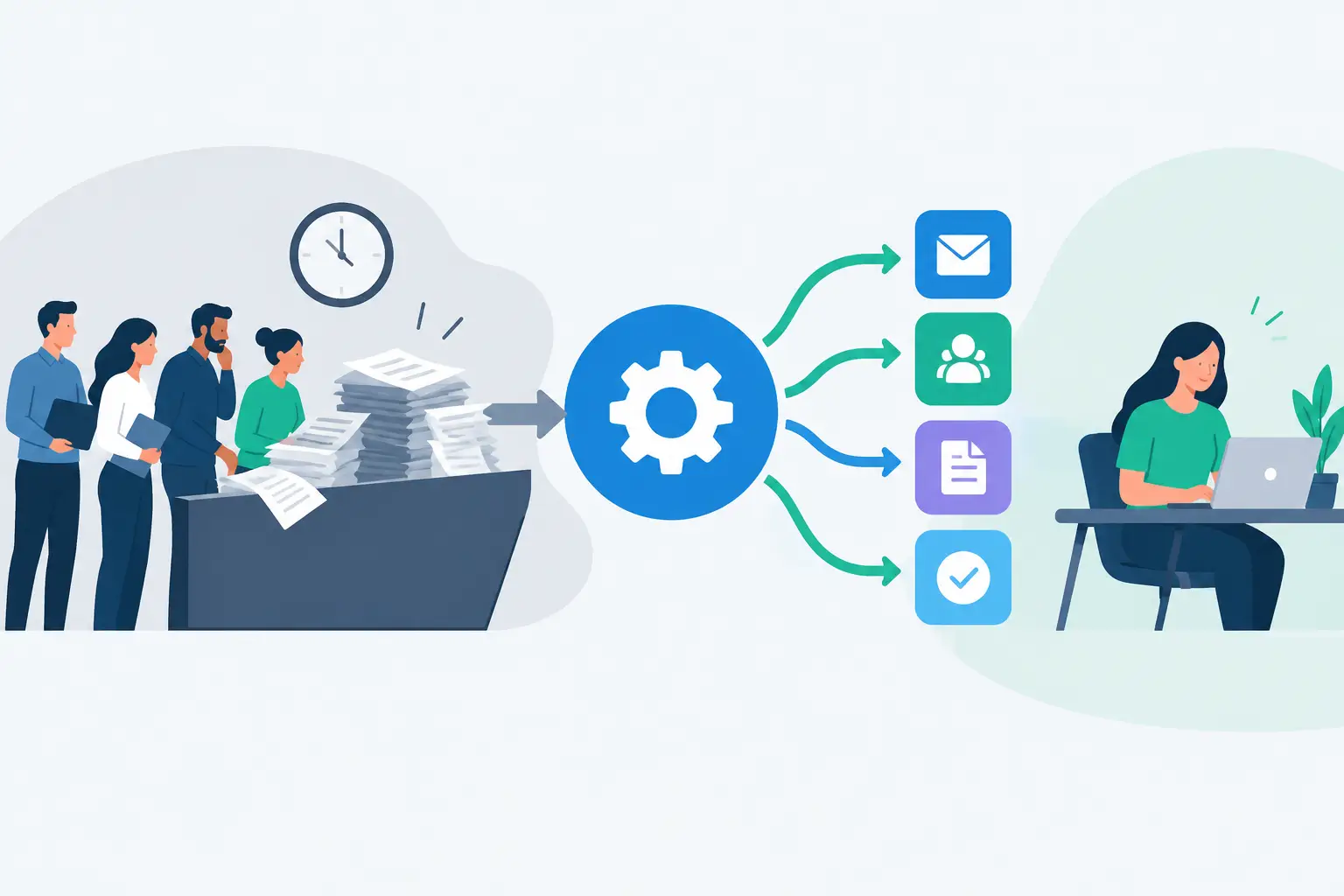
A sales order arrives through your ecommerce store. Someone copies it into the ERP, checks a supplier file, updates the CRM, sends an internal notification and then chases an exception by email. None of those tasks is especially difficult. Together, they create delays, duplicate data and opportunities for costly mistakes. Workflow automation changes that pattern by moving information and decisions through the business in a controlled, repeatable way.
For Australian businesses running several platforms, the issue is rarely a lack of software. It is that each system holds part of the process, while people are left to bridge the gaps. A CRM knows the customer, an ecommerce platform knows the order, an ERP knows stock and finance, and supplier data may sit somewhere else again. Automation should connect those moving parts around a clear operational outcome, not add another dashboard for the team to manage.
What workflow automation should actually do
Workflow automation uses rules, integrations and, where appropriate, AI to trigger actions between systems. A completed form can create a customer record. A paid order can update inventory and send fulfilment instructions. A support request can be assigned to the right team with the relevant account history attached.
The useful part is not simply that a task happens without a person clicking a button. Good automation preserves context, validates data and makes exceptions visible. It turns a process that depends on memory, inboxes and spreadsheets into one that can be measured and improved.
Consider a parts distributor receiving frequent catalogue updates from suppliers. If staff download files, reconcile product details and manually update an online store, the catalogue will always be at risk of being incomplete or out of date. An integrated process can pull approved supplier data into a central structure, apply product rules, flag missing fields and publish changes to the right sales channels. The result is better product information, less administration and fewer sales conversations spent explaining incorrect availability.
That distinction matters. Automation is not about removing people from every step. It is about removing people from repetitive transfer work so they can handle customer needs, commercial judgement and genuine exceptions.
Start with the bottleneck, not the tool
Many automation projects stall because the business starts with a platform rather than a problem. Buying an automation subscription may be quick, but a collection of loosely connected workflows can become another brittle layer of technology. The first question should be: where does work slow down, get re-entered or regularly go wrong?
Look for processes with a clear trigger, repeated steps and a meaningful volume of work. Order processing, onboarding, quoting, invoice handling, supplier catalogue updates, service triage and management reporting are common candidates. The strongest opportunities usually affect both cost and customer experience.
A practical discovery process maps what happens today, including the work nobody formally owns. Identify the source system, the destination system, the data required, the decision rules and the likely failure points. It should also identify who needs to act when the process cannot continue automatically.
For example, an enquiry-to-quote workflow may begin when a web form is submitted. The system can check for an existing contact, create or update the CRM record, route the enquiry based on product type or postcode, alert the appropriate salesperson and set a response target. But if the enquiry contains incomplete details or a non-standard pricing request, it should be held for review rather than pushed through with bad assumptions.
That is the difference between a fast process and a dependable one.
Build around clean data and clear ownership
Automation magnifies the quality of the process behind it. If product codes vary between systems, customer records are duplicated or staff use different definitions for the same status, automation can move the wrong information faster. Cleaning up the data model is not an optional technical exercise. It protects the commercial outcome.
Agree on the system of record for key information. Your ERP may own stock and pricing, while the CRM owns sales activity and the ecommerce platform owns online presentation. Those responsibilities should be explicit. Without them, systems can overwrite one another and teams lose confidence in the data.
It is also worth deciding who owns the workflow after it goes live. Operations may own the process rules, IT may own access and integration standards, and finance may approve changes affecting invoices or payment data. The exact split depends on the business, but accountability should not disappear into a vendor ticket queue.
Use exceptions as a design requirement
A workflow that only works in the ideal scenario is not ready for production. Orders can be missing a delivery address, API connections can fail, a supplier can send an unfamiliar product code and a customer can submit the same form twice. These are normal operating conditions.
Build exception handling into the design from the beginning. That includes validation before data is written, error alerts that go to an accountable person, retry logic for temporary failures and an audit trail showing what happened. For high-value or regulated actions, approval steps may be more appropriate than full automation.
The right level of control depends on risk. Automatically creating a low-value internal task is very different from automatically approving a refund, changing a credit limit or publishing regulated product information.
Where AI belongs in the workflow
AI can be useful when the work involves unstructured information or a first-pass judgement. It can summarise a long customer email, extract key details from documents, classify service requests, draft a response or route an enquiry based on its content. These are practical uses because they reduce time spent reading, sorting and preparing routine work.
AI should not be treated as an authority that operates without limits. Outputs can be incomplete or wrong, particularly where information is ambiguous, specialised or commercially sensitive. Set confidence thresholds, define what the model is allowed to access and keep a human review point for material decisions.
For instance, AI can prepare a concise summary of a support case and suggest its category. A service coordinator can then confirm the recommendation before it is assigned. That may still save considerable time, while preserving accountability and customer judgement.
Choose the architecture for the job
Not every workflow needs custom software. A simple process between two well-supported platforms may be handled effectively with a standard connector. This can be a sensible, low-cost option when the data is straightforward and the workflow is unlikely to change.
The trade-off is control. Generic tools often become difficult to maintain when a business needs complex mapping, high transaction volumes, custom approval rules or integrations with legacy systems. Subscription costs can also grow as usage increases, particularly if several tools are needed to cover gaps.
Custom integration or bespoke workflow software makes more sense where the process is central to the business, where existing systems need to work in a specific way, or where an off-the-shelf product forces expensive compromises. It gives the business ownership of the logic and the ability to evolve the process without rebuilding operations around a vendor’s limitations.
A sensible architecture may combine both approaches. Use standard capabilities where they are stable and fit for purpose, then build tailored integration services for the processes that create operational friction or competitive value. Codex takes this approach by designing systems around the way teams actually work, while keeping data movement visible, scalable and maintainable.
Measure the result in business terms
A workflow is not successful because it was deployed. It is successful when it improves a number the business cares about. Before development begins, establish a baseline for processing time, error rates, order turnaround, response times, rework, support volume or cost per transaction.
Then review the workflow after it has operated under real conditions. Are staff bypassing it? Are exceptions increasing? Has a new business rule emerged? Automation should be treated as an operational asset, not a one-off project that is ignored after launch.
Small improvements can compound. Saving three minutes on a task completed 50 times a day is meaningful. Preventing a handful of incorrect stock updates can be worth more than the time saved, because it protects margin and customer trust. The best cases usually combine both: less manual effort and a more reliable customer experience.
The right next step is not to automate everything at once. Choose one process where disconnected systems are creating visible friction, define the outcome and design the controls around it. Once the first workflow is trusted, it becomes far easier to build a business that moves faster without losing control.