
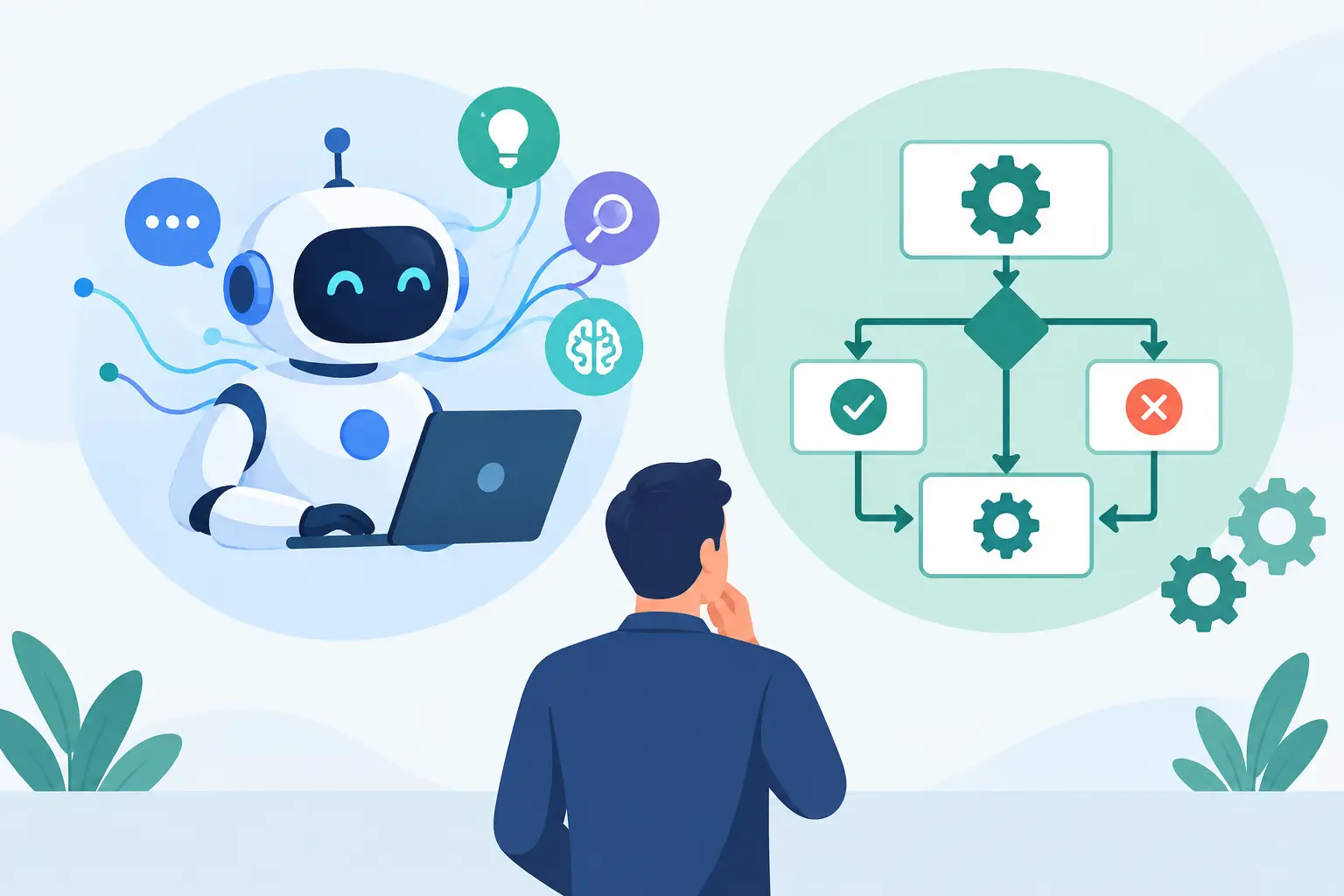
A purchase order arrives with an incomplete supplier reference. A conventional workflow can flag it, notify the right person and stop the process. An AI agent can read the order, check related records, identify the likely supplier, prepare a response and send the case for approval. That practical distinction sits at the centre of AI agents versus rule automation. The question is not which technology sounds more advanced. It is which approach removes work without creating new risk, cost or confusion.
For Australian businesses managing CRM, ERP, ecommerce, supplier and internal systems, both have a place. The strongest automation programmes use each for the work it is suited to, with clear controls around decisions that affect customers, money or compliance.
Rule automation follows defined conditions
Rule automation follows defined instructions. If an ecommerce order is paid, create the order in the ERP. If stock falls below an agreed threshold, send a replenishment alert. If a new lead selects a particular product category, assign it to the relevant sales queue.
It is fast, predictable and easy to test because the inputs and outcomes are known in advance. When the same event should always produce the same action, a rule-based workflow is usually the right answer. With explicit logging, it can also create an audit trail showing the condition, action and result. Rules alone do not provide that record.
This matters more than novelty. Many operational bottlenecks are not difficult reasoning problems. They are data movement problems caused by systems that do not communicate properly. Re-keying an order, copying customer details between platforms or checking whether a catalogue update reached an online store should not require an AI model. A well-designed integration can handle it without model inference; compare the actual build and operating costs for the workflow.
The limitation appears when variation grows. Rules become difficult to maintain if every supplier uses a different document format, every customer request is written differently, or staff need to interpret context before choosing the next step. Adding exceptions can turn a simple workflow into a brittle web of conditions.
How AI agents differ from rule automation
An AI agent is designed to work towards an objective using context, available tools and defined instructions. Rather than matching an input to one fixed condition, it can interpret unstructured information, decide which action is appropriate and complete a sequence of tasks.
For example, an agent handling inbound service emails may classify the request, retrieve the relevant order and customer history, draft a response, update the CRM and route the case to a team member when it falls outside approved boundaries. It can deal with varied language and incomplete information without specifying a separate branch for every wording variation.
That flexibility comes with trade-offs. AI output can vary and may be incorrect even when it sounds confident. Deterministic database queries and API workflows also need validation and failure handling; they do not guarantee a correct business outcome. An agent may make a reasonable inference that is still wrong. It needs access controls, clear instructions, quality checks and an escalation path for uncertainty.
The useful comparison is not intelligence versus simplicity. It is deterministic processing versus contextual judgement. Rules execute known processes. Agents help with work where the process has a goal but the path changes from case to case.
AI agents versus rule automation: the practical difference
Consider a distributor receiving product data from several suppliers. A rule-based integration can import a structured supplier feed, map known fields, apply pricing formulas and publish approved products to an ecommerce platform. This should remain rule automation. It is repeatable, measurable and dependent on exact data handling.
Now consider supplier PDFs or emails that arrive with inconsistent naming, missing dimensions and conflicting product descriptions. An AI agent can extract likely attributes, compare them with existing catalogue records, highlight discrepancies and prepare a review queue. It should not silently publish questionable data. The agent reduces the manual interpretation; the rules and approval process preserve data quality.
The same pattern applies to customer operations. A rule can send an order-status update when a courier event changes. An agent can interpret a frustrated customer email, find the delivery history and draft a considered reply for a service team member. The first task is transactional. The second requires language, context and judgement.
This distinction also affects cost. Rule automation generally has predictable runtime costs and is straightforward to scale for high-volume events. Agent workflows can require model usage, document processing, monitoring and ongoing prompt or policy refinement. They earn their place when the manual effort or delay they remove is greater than that overhead.
Choose based on the work, not the label
Before selecting an approach, map the process as it actually operates. Teams often describe a workflow as simple because the happy path is simple. The useful design work happens in the exceptions: missing data, duplicate records, unusual customer requests, approval limits and system outages.
Use rule automation when the process is defined
Choose rules when inputs are structured, the decisions are stable and accuracy must be exact. Syncing inventory, creating invoices, updating contact fields, applying freight logic and routing a form based on selected options are typical examples.
Rules are also the right foundation for agent workflows. An agent should not replace reliable system integrations. It should call controlled functions that retrieve data, create records or submit approved actions. This avoids giving a language model broad, unmanaged access to critical platforms.
Use an AI agent when interpretation is the bottleneck
An agent becomes useful when staff spend time reading, comparing, summarising, categorising or drafting across large volumes of varied information. Candidate use cases include triaging support requests, extracting data from inconsistent documents, preparing sales briefings, summarising job notes and identifying missing information in onboarding submissions.
Start with work that is repetitive but currently requires a person to interpret content. The outcome should be measurable, such as fewer manual touches per request, faster first response times or a reduction in unprocessed documents. If a use case cannot be measured, it is difficult to prove whether the agent is helping.
Keep humans involved where the consequence is high
Human review is not a failure of automation. It is a sensible control where errors carry material consequences. Customer refunds, credit decisions, contract changes, pricing exceptions and sensitive communications should have approval thresholds appropriate to the risk.
A practical design might allow an agent to prepare a recommendation and complete low-risk actions within strict rules, while escalating higher-value or lower-confidence cases. The point is not to automate every decision. It is to give people fewer routine decisions and better information when their judgement is needed.
Build an automation architecture that can scale
The most effective systems use a layered approach. Core integrations move clean, structured data between platforms. Rules manage predictable events, validations and notifications. AI capabilities sit where unstructured information or contextual reasoning creates a genuine operational gain.
This architecture makes automation easier to govern. It separates the source of truth from the interpretation layer, limits what an agent can do and makes failures easier to diagnose. If an agent suggests the wrong classification, the issue can be reviewed without compromising the reliability of order synchronisation or financial records.
It also protects against platform dependency. A business should own its process logic, data model and integration design rather than burying critical operations inside a collection of disconnected subscriptions. Custom software is not always necessary, but exact-fit workflows become valuable when generic tools force teams into workarounds.
At Codex, this often means starting with the systems already in use, then designing the smallest practical change that removes the bottleneck. Sometimes that is a direct API integration. Sometimes it is a rules engine. Sometimes an AI-assisted workflow is justified. The technology follows the operational need.
Start with one process worth improving
Avoid beginning with a broad brief to add AI across the business. Choose one workflow where delays, rework or inconsistent handling have a visible cost. Establish the current baseline, define the actions an automated system may take and identify the cases that must be escalated.
Then test against real-world exceptions, not only clean sample data. Monitor the result after release and refine the workflow as teams learn where confidence is high and where human review remains necessary. A useful automation should make the process calmer, clearer and easier to manage.
The best choice between AI agents and rule automation is often both: rules for the work that must happen exactly, and agents for the work that benefits from informed judgement. Start where the business feels the friction most, and build controls that let the improvement last.
See how Codex uses AI within connected business systems. A useful starting brief includes sample inputs, permitted actions, a review owner and the cases that must remain manual.