
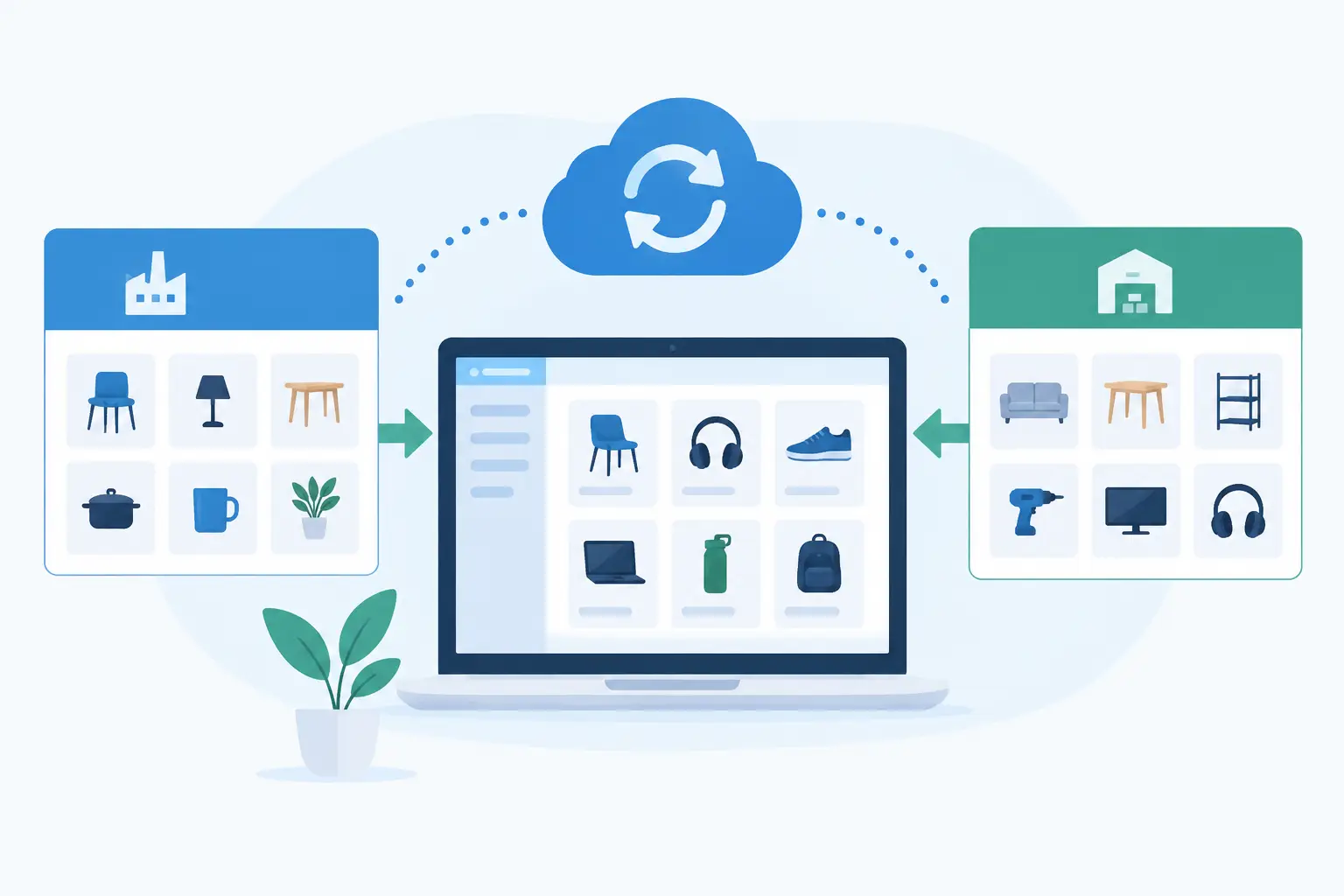
A supplier changes the price of a fast-moving part at 10 am. By lunchtime, your ecommerce store is still showing yesterday’s price, your sales team is quoting from an old spreadsheet, and someone in operations is trying to work out whether stock is actually available. This is the practical problem supplier catalogue synchronisation software is built to solve.
For businesses selling supplier-sourced products, catalogue data is not background administration. It directly affects margin, customer trust, order accuracy and the time your team spends fixing avoidable issues. The right system moves approved supplier data into the systems your business relies on, using rules that reflect how you actually sell, price and manage products.
Why supplier catalogue data becomes an operational problem
Supplier catalogues rarely arrive in one clean, consistent format. One supplier may provide a daily CSV file, another an API, and another an Excel workbook sent by email. Product codes can change, descriptions may be incomplete, stock feeds can be delayed, and cost prices might be supplied in a structure that does not match your ERP or ecommerce platform.
Teams usually bridge these gaps manually at first. They download files, compare columns, update product records and correct errors as they appear. That can work for a small range with stable suppliers. It becomes expensive quickly when you add more SKUs, more sales channels or more frequent supplier updates.
The cost is not limited to labour. A stale stock quantity can lead to a backorder or cancellation. Incorrect supplier costs can quietly erode margin. Duplicate product records create confusion across sales, purchasing and fulfilment. When product information differs between your website and internal systems, staff lose confidence in the data and create their own workarounds.
Catalogue synchronisation replaces that recurring manual effort with a controlled data process. It does not mean copying every supplier field into every system. In fact, indiscriminate copying often creates more problems. The objective is to identify the data that matters, validate it, apply commercial rules and publish it where it is needed.
What supplier catalogue synchronisation software should do
Effective supplier catalogue synchronisation software sits between supplier data sources and the platforms your team uses to run the business. Depending on your environment, that might include an ERP, CRM, ecommerce platform, product information system, procurement tool or internal quoting software.
At a minimum, the system should import supplier catalogues reliably, match incoming records to your existing products, identify changes and update only the fields that are intended to change. But the real value comes from the rules around that movement of data.
Match products without creating duplicates
A supplier SKU is useful, but it is not always enough. The same item may have an internal SKU, a manufacturer part number, a barcode and a different identifier used by a second supplier. Your synchronisation process needs a clear matching hierarchy so it can recognise an existing product before creating a new one.
Where a match is uncertain, the system should flag it for review rather than guessing. Automation is valuable when it reduces routine work, not when it silently introduces bad data at scale.
Apply your pricing and availability rules
Supplier cost does not automatically equal your selling price. You may need to apply a margin by category, account for freight, round prices for presentation, exclude low-margin lines, or maintain different price lists for trade and retail customers.
Stock needs similar treatment. A supplier may report all warehouse stock, including quantities that are allocated or slow to dispatch. You may choose to show available stock only above a threshold, display an estimated lead time instead of a number, or stop publishing products that fall below a defined level.
These rules should belong to your business, not be buried in a spreadsheet maintained by one person. A well-designed integration makes them visible, testable and straightforward to change when commercial conditions shift.
Preserve content your team has improved
Supplier descriptions and images are often useful starting points, but they are not always ready for your website. Your team may have added clearer product copy, localised specifications, better imagery, SEO fields or customer-facing compatibility notes.
A poor synchronisation setup overwrites this work whenever a supplier sends an update. A better approach separates supplier-managed fields from internally managed fields. Supplier data can update cost, availability and technical specifications, while your approved sales content remains protected.
Give people visibility when something changes
No integration should operate as a black box. Operations teams need to know what was imported, what changed, what failed validation and what requires attention. That does not mean sending hundreds of emails each day. It means providing useful exception reporting, clear logs and alerts for meaningful issues such as failed imports, large cost movements, unmapped categories or discontinued products with open orders.
Choosing the right catalogue synchronisation approach
The right approach depends on catalogue size, supplier capability and the systems already in place. A standard connector may be sufficient when one supplier offers a stable API and your ecommerce platform is supported out of the box. It can be a sensible low-cost option for a straightforward setup.
The trade-off is control. Pre-built connectors generally work within fixed assumptions about product matching, update frequency and field mapping. If you need pricing rules by customer group, data to pass through an ERP before ecommerce, or multiple suppliers to contribute to one product record, those assumptions can become limiting.
Custom integration is usually the better fit where catalogue logic is commercially important or operationally complex. It allows the data flow to reflect your existing product structure, approval process and sales model. It can also connect with older systems that do not offer a polished marketplace integration but still hold critical operational data.
For many Australian parts, industrial and trade suppliers, a productised integration service provides a middle ground. Codex’s Pinnacle Parts Integration Connect, for example, is designed to synchronise supplier catalogues, provide API access and support ecommerce order integration without requiring a full custom platform build for every business.
Before choosing software, establish answers to a few practical questions: how frequently does each supplier update data, which system owns each product field, what happens when data is missing, and who approves exceptions? If these decisions are unclear, buying another connector will not resolve the underlying problem.
Implementing synchronisation without disrupting trading
Start with a defined product subset rather than attempting a full catalogue migration on day one. A pilot involving one supplier, one category and a limited set of fields will expose data quality issues early. It also gives sales and operations staff a chance to confirm that the results are commercially sensible.
Next, document the field-level rules. Be explicit about which identifiers match products, how discontinued lines are handled, when stock should update, and whether supplier changes should be published immediately or reviewed first. This work may feel detailed, but it is where the quality of the final system is determined.
Testing should include ordinary updates and awkward scenarios: a missing SKU, a new category, a price increase of 40 per cent, a discontinued item with existing website traffic, and a supplier feed that fails halfway through an import. The system needs a safe response for each case. In most environments, retaining the last valid data and alerting the right person is safer than replacing records with blanks.
Once live, monitor the exceptions rather than checking every record. If the integration is producing frequent manual corrections, that is a signal to refine matching logic, data mapping or supplier data standards. The goal is not merely an automated import. It is a process your team can rely on as volume grows.
When catalogue synchronisation needs a broader integration plan
Catalogue data often exposes wider process gaps. A product update may need to affect ecommerce listings, purchase orders, customer quotes, warehouse picking and reporting. If each system receives data independently, discrepancies can reappear downstream.
This is where a broader integration architecture matters. Your ERP may remain the source of truth for internal inventory, while supplier data supplies costs and lead times. Your ecommerce platform may receive selected customer-facing fields only. A central integration layer can coordinate those rules and keep each platform focused on the job it does best.
The practical question is not whether every system needs to be replaced. It is whether the data moves through the business in a controlled, traceable way. In many cases, connecting what you already use delivers a better outcome than forcing operations into another expensive platform.
Start by measuring the issues currently hidden in manual catalogue work: hours spent on updates, orders delayed by stock errors, margin lost through stale pricing and customer queries caused by incorrect product information. That baseline will help you design the right level of supplier catalogue synchronisation and judge whether it is delivering the commercial result your business needs.