
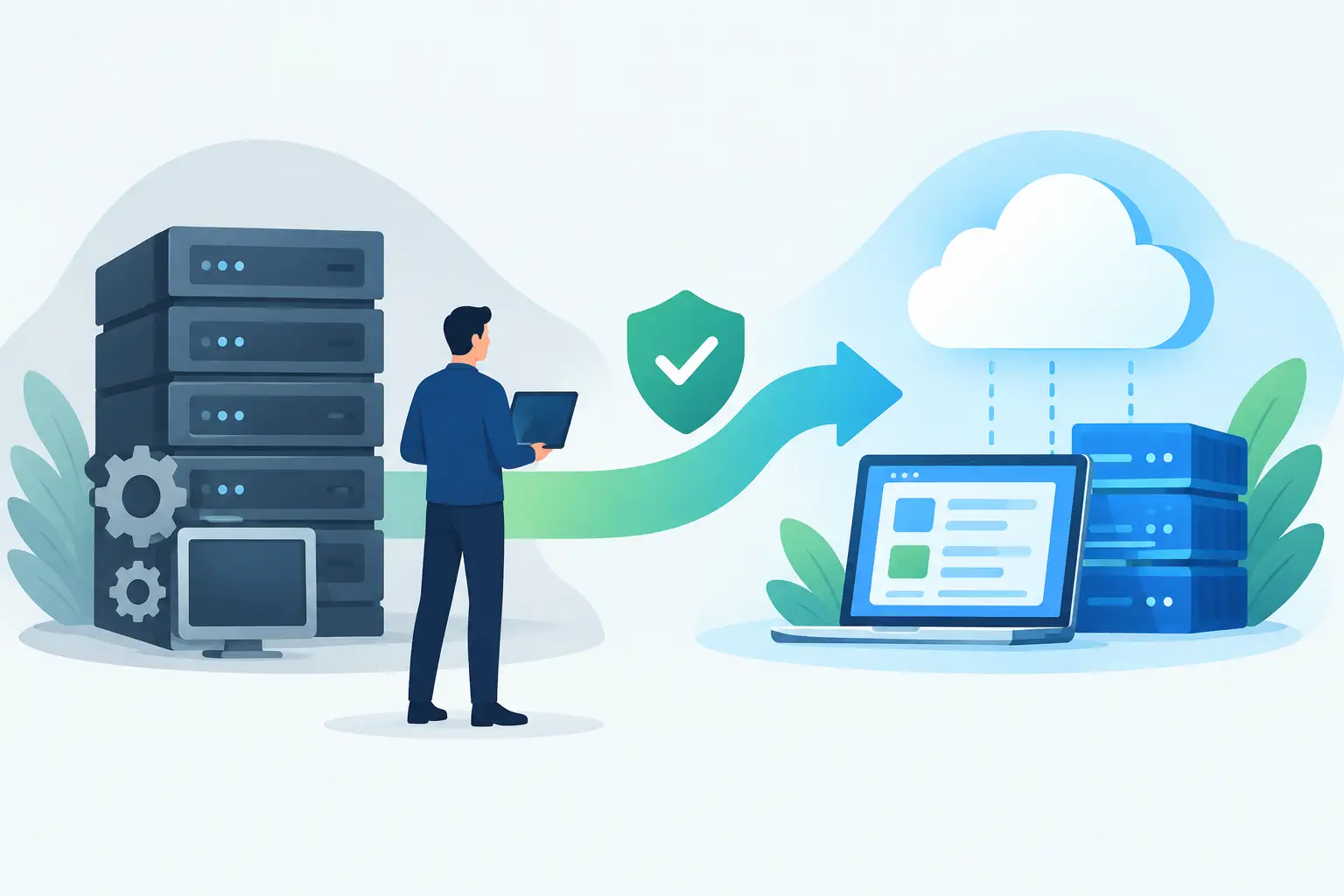
A dispatch team exports orders from ecommerce, pastes them into an ERP, checks stock in a supplier portal, then emails exceptions to customer service. Each step may work well enough on its own. Together, they create delays, duplicate data and a process only a few people fully understand. Software modernisation is how businesses fix that operational drag without automatically replacing every system they use.
For many Australian businesses, the issue is not that their core software is old. It is that the systems around it have grown disconnected. A CRM, accounting platform, warehouse tool, online store and spreadsheets may all hold part of the truth. People become the integration layer, spending hours checking, copying and correcting information that should move automatically.
Modernisation is not a cosmetic interface refresh or a broad promise to “go digital”. It is a practical programme of improving how systems, data and people work together. The aim is to reduce manual work, improve information reliability and support growth. Validate those outcomes against the current process; a modernisation project does not guarantee them.
What software modernisation should solve
A modernisation project should begin with a commercial problem, not a technology preference. If a team is losing sales because product data is inconsistent, the priority is reliable catalogue synchronisation. If finance is reconciling orders across three systems, the priority is a cleaner order-to-cash flow. If account managers cannot see delivery status without ringing operations, the priority may be a shared customer portal or a connected reporting layer.
This distinction matters because a full platform replacement is not always the answer. Replacing an ERP, CRM or ecommerce platform can be justified when the system genuinely cannot support the business. It can also introduce major cost, disruption and training risk. Often, the faster and more economical option is to retain useful systems and remove the gaps between them.
Good software modernisation typically addresses one or more of these problems:
-
data entered repeatedly across separate tools
-
disconnected customer, order, inventory or supplier information
-
spreadsheet-based processes that have become business critical
-
brittle integrations that fail without warning or are difficult to change
-
reporting that arrives too late to support decisions
-
legacy applications that are expensive to maintain or difficult to secure
The objective is not to add more software. It is to create a system landscape that reflects how the business actually operates.
Start with workflows, not platforms
The strongest projects map the work before selecting the solution. Follow a real order, customer request or internal approval from start to finish. Identify where information is created, where it changes hands, where staff need to make decisions and where errors usually occur.
This often reveals that the visible problem is not the root cause. A slow fulfilment process might appear to be a warehouse issue, for example, but the actual bottleneck could be incomplete ecommerce data arriving in the ERP. Likewise, a customer service team may appear understaffed when the real issue is that they need to check four systems to answer a basic order enquiry.
A useful workflow review asks direct questions. Which steps are manual because they require judgement, and which are manual only because systems do not connect? Who owns each data field? What happens when a record fails to sync? Which reports are used to make decisions, and how trustworthy are they?
Those answers create a prioritised modernisation roadmap. High-volume, repeatable work with clear rules is usually the best place to start. It gives the team a contained way to measure savings and manage rollout risk.
Preserve what works
A common mistake is treating every legacy system as a liability. Some older platforms handle a critical function reliably and hold years of valuable operational data. The problem may be their lack of accessible APIs, poor data structure or limited ability to connect with newer services.
In these cases, a custom integration layer, scheduled data exchange or purpose-built internal application can extend the useful life of the platform. This buys time for a considered replacement plan and avoids forcing a business into a rushed migration.
That said, preservation has limits. If a system cannot be secured, supported or reliably accessed, wrapping it in new technology only postpones the risk. The decision should be based on supportability, cost, data quality and operational dependence, not nostalgia for a familiar tool.
Build around clean data movement
Integration is where many modernisation efforts succeed or fail. Connecting systems is not simply a matter of pushing records from A to B. Businesses need clear rules for which system is the source of truth, how updates are handled and what occurs when data is incomplete or conflicting.
Take product data as an example. A supplier may provide a catalogue feed, an ERP may hold cost and stock, and an ecommerce platform may contain customer-facing descriptions and merchandising content. Without clear ownership, each system can overwrite another. The result is inaccurate availability, inconsistent pricing or lost content.
A well-designed integration defines the flow deliberately. It validates incoming data, records exceptions, retries temporary failures and gives the right people visibility when human action is required. It should also be designed for change. Suppliers alter fields, platforms update APIs and commercial rules evolve. An integration that only works under perfect conditions is not a dependable business system.
For businesses with specialised needs, custom software can sit between existing platforms and present a single workflow to staff. That could be an operations dashboard, approvals application, supplier management tool or customer portal. The value is not that it is custom for its own sake. The value is that it removes workarounds and fits the process the business needs to run.
Use AI where the decision is clear
AI can be useful in software modernisation, but it should have a defined job. It is well suited to summarising long enquiries, classifying documents, extracting key information, drafting routine responses and routing work to the right team. These are areas where it can reduce handling time while leaving accountability with people.
It is less suitable as an unchecked authority over pricing, compliance, refunds or sensitive customer decisions. A practical implementation tests outputs against representative examples, keeps an audit trail and provides a straightforward path for human review. Model confidence alone should not authorise a sensitive action. If the output cannot be checked, corrected or explained in context, it is not ready to be embedded in a critical workflow.
The same principle applies to automation generally. Automate stable, repetitive tasks first. Keep exceptions visible. Build controls before volume makes mistakes expensive.
Measure the result in operational terms
Modernisation is easiest to defend when the baseline is clear. Before building, measure the current state: how long an order takes to process, how many records require correction, how often staff rekey information, how many customer enquiries need manual investigation and how much time is spent producing reports.
After release, track the same measures. Depending on the workflow, useful indicators may include order processing time, integration failure rates, data completeness, support response times, labour hours saved and revenue protected through better availability or faster follow-up.
Not every benefit will appear as an immediate cost reduction. Better visibility can help managers act earlier. More accurate data can improve customer trust. A system that scales without another round of manual administration protects margin as transaction volumes rise. These outcomes still need to be connected to a business case, even when they are not as simple as removing a single task.
Choose an approach that keeps control with the business
Off-the-shelf platforms can be the right answer when the process is standard and the configuration meets the need. They can also become expensive when every meaningful difference requires another add-on, subscription tier or workaround.
Custom development is most valuable where the workflow is commercially important, unusual or tightly connected to several existing systems. It gives a business control over its process and data model, but it also creates a responsibility to maintain the solution properly. Clear documentation, secure cloud infrastructure, monitored integrations and an ongoing improvement plan are part of the investment.
The sensible path is often hybrid: use proven platforms for commodity functions, then connect them with integration and custom workflow software where the business needs differentiation. Codex takes this outcome-led view because technology choices should support operations, not dictate them.
The next useful step is not a sweeping replacement programme. Pick one workflow where manual handling, poor data or slow hand-offs are costing the business every week. Map it honestly, establish the baseline and improve the connection points first. That is how modernisation becomes a controlled commercial improvement rather than an expensive technology event.
Explore custom software and integration services from Codex with one workflow in mind. Bring the current process, known support limitations and the point at which a failed change would require a rollback.