
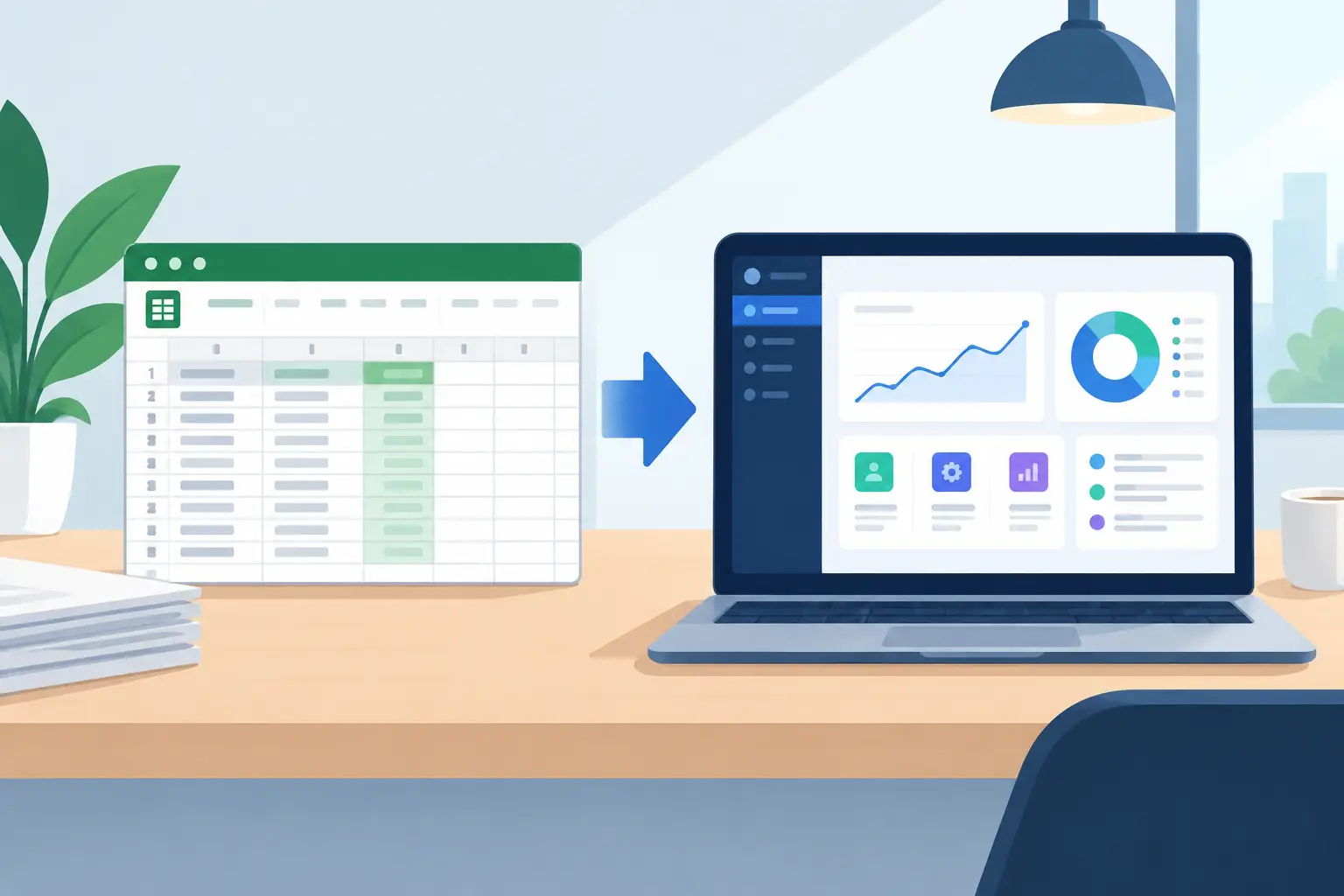
A spreadsheet that runs one part of the business is useful. A spreadsheet that determines stock availability, prices orders, allocates work, tracks approvals and feeds customer updates is a warning sign. The issue is not that spreadsheets are bad. It is that they are often asked to operate like a shared business system without the controls, integrations or reliability of one.
The decision to replace spreadsheets with custom software should not be driven by a preference for new technology. It should be driven by the cost of manual work, disconnected data and operational risk. For Australian businesses managing multiple platforms, the right solution is usually not a wholesale replacement of every tool. It is a practical system that connects what already works and removes the spreadsheet from jobs it was never designed to own.
When spreadsheets stop being practical
Most businesses do not set out to build critical processes in Excel or Google Sheets. It happens gradually. A team needs a quick way to track an exception. Someone adds a formula. Another person adds a tab. Soon, the file has become the unofficial source of truth because it fills a gap between the CRM, ERP, ecommerce platform and supplier data.
That workaround can be sensible for a short period. It becomes expensive when staff spend hours reconciling data, copying information between systems or checking whether the latest version is actually the latest version.
The clearer signals are operational, not technical. You may be ready for a purpose-built system when people regularly ask who owns a file, when one broken formula holds up a process, or when a spreadsheet needs manual exports from other platforms to stay current. The same applies when key knowledge sits with one person who understands the formulas, macros and exceptions that keep the process moving.
Errors matter more as volume grows. An incorrect price, missed order, duplicate customer record or delayed dispatch can quickly cost more than the time saved by maintaining the spreadsheet. If a team needs to check the same information in three places before acting, the process is already telling you where the problem is.
The real cost is bigger than spreadsheet licences
Spreadsheets appear low cost because the software is already included in a business suite. That comparison misses the labour and risk wrapped around them.
Consider an operations team that downloads orders from an ecommerce platform, checks stock against an ERP, adjusts supplier information in a spreadsheet, then sends exceptions to customer service. Even if each step takes only a few minutes, the cost compounds across every order, staff member and trading day. It also creates delays that customers can feel.
There is a governance cost as well. Spreadsheets provide limited control over permissions, approval steps, audit history and structured data validation. They can support these requirements to a point, but only through increasingly fragile workarounds. A custom workflow can define who can change a status, what information is required before approval and where every update is recorded.
That does not mean every spreadsheet needs replacing. A financial model, one-off analysis or local team tracker may remain the fastest and most appropriate tool. The line is crossed when the spreadsheet is running a repeatable, business-critical process or acting as the bridge between core systems.
What custom software should do differently
Custom software is not simply a spreadsheet rebuilt in a browser. If that is the brief, the business may end up paying to reproduce existing inefficiencies in a more attractive interface.
The better starting point is the workflow: what triggers work, where information originates, who needs to make a decision, what must be approved and what outcome should be recorded. From there, software can automate the repeatable steps and make exceptions visible to the right people.
For example, a wholesale business may receive product catalogue data from multiple suppliers, sell through an ecommerce platform and manage fulfilment through an ERP. Rather than maintaining a large spreadsheet to normalise products and update prices, a custom integration layer can bring data together, apply agreed rules and send validated updates to the correct systems. Staff then manage genuine exceptions instead of spending their day moving data.
A well-designed internal system can also give each user only what they need. Warehouse staff see picking or dispatch tasks. Account managers see customer-specific issues. Finance sees approvals and exceptions. Leaders see process performance rather than a collection of manually maintained tabs.
The objective is clean data movement and accountable work, not software for its own sake.
How to replace spreadsheets with custom software without creating a bigger problem
The safest approach is to start with one process that has a clear commercial impact. Trying to rebuild every workbook, dashboard and workflow at once creates unnecessary scope, longer delivery times and more change for staff.
Map the process before choosing the technology
Document the workflow as it operates in practice, including the exceptions. Where does each field come from? Which system should be the source of truth? What does a staff member decide, and what can the system decide from clear rules?
This step often exposes that the underlying issue is duplicated data rather than the spreadsheet itself. It may also show that an existing CRM, ERP or ecommerce platform already has capabilities that are not being used. Custom development should extend and connect useful systems, not ignore them.
Prioritise the highest-value workflow
Choose a workflow with enough frequency and friction to produce a measurable return. Order processing, supplier catalogue management, job allocation, quote approvals and customer onboarding are common candidates because they involve repeated actions across several systems.
Set a baseline before development begins. Measure processing time, rework, error rates, delays and the number of manual touches. These figures make it easier to test whether the new system has delivered a genuine improvement rather than simply changing the interface.
Build for exceptions, not only the happy path
Automation handles predictable work well. Real businesses also have stock shortages, incomplete data, special pricing, credit holds and customers who need a different process. Good custom software routes those exceptions to the right person with the context they need to act.
This is where AI can be useful, with defined limits. It can summarise inbound requests, classify documents, draft routine responses or help route work. It should not silently make high-impact commercial decisions without clear rules and human oversight. The right use of AI reduces administrative load while keeping accountability with the business.
Integrate first, then retire manual steps
A spreadsheet often survives because systems do not share data properly. Replacing it without solving the integration issue simply shifts manual work elsewhere.
Use APIs, scheduled synchronisation or event-based updates to connect the relevant platforms. The design should establish ownership for each data type. Customer records may belong in the CRM, inventory in the ERP and online orders in the ecommerce platform. The custom layer should coordinate the flow, apply process logic and provide a clear operational view without creating another uncontrolled data store.
Run the new workflow alongside the old one long enough to validate data, train users and resolve edge cases. Once the result is reliable, remove the duplicate manual step decisively. Leaving both processes active indefinitely defeats the point and causes confusion about which record to trust.
The trade-offs worth considering
Custom software requires more upfront thought than buying another subscription or adding another spreadsheet tab. It needs a clear owner, sound architecture and ongoing support. The business must be willing to define its process instead of relying on informal workarounds.
However, off-the-shelf platforms have trade-offs too. They can force teams into rigid processes, introduce licence costs that rise with headcount, and still require manual work to connect with the rest of the stack. The right answer depends on whether the process is a common commodity or a meaningful part of how your business competes.
For a standard task such as basic project tracking, established software may be the sensible choice. For a workflow that combines your customers, suppliers, pricing logic, internal approvals and operational rules, an exact-fit solution can offer better control and lower lifetime cost.
Codex custom software and integration services focus on the business outcome first: fewer manual touches, connected systems, reliable data and a workflow that can keep pace with growth. The technology matters, but only because it needs to make the operation work better.
A spreadsheet is often a useful signal. It shows where people are compensating for disconnected systems and where a practical software investment can remove friction. Start with the process that causes the most rework, give it clear ownership, and build the system around how your team genuinely needs to operate.