
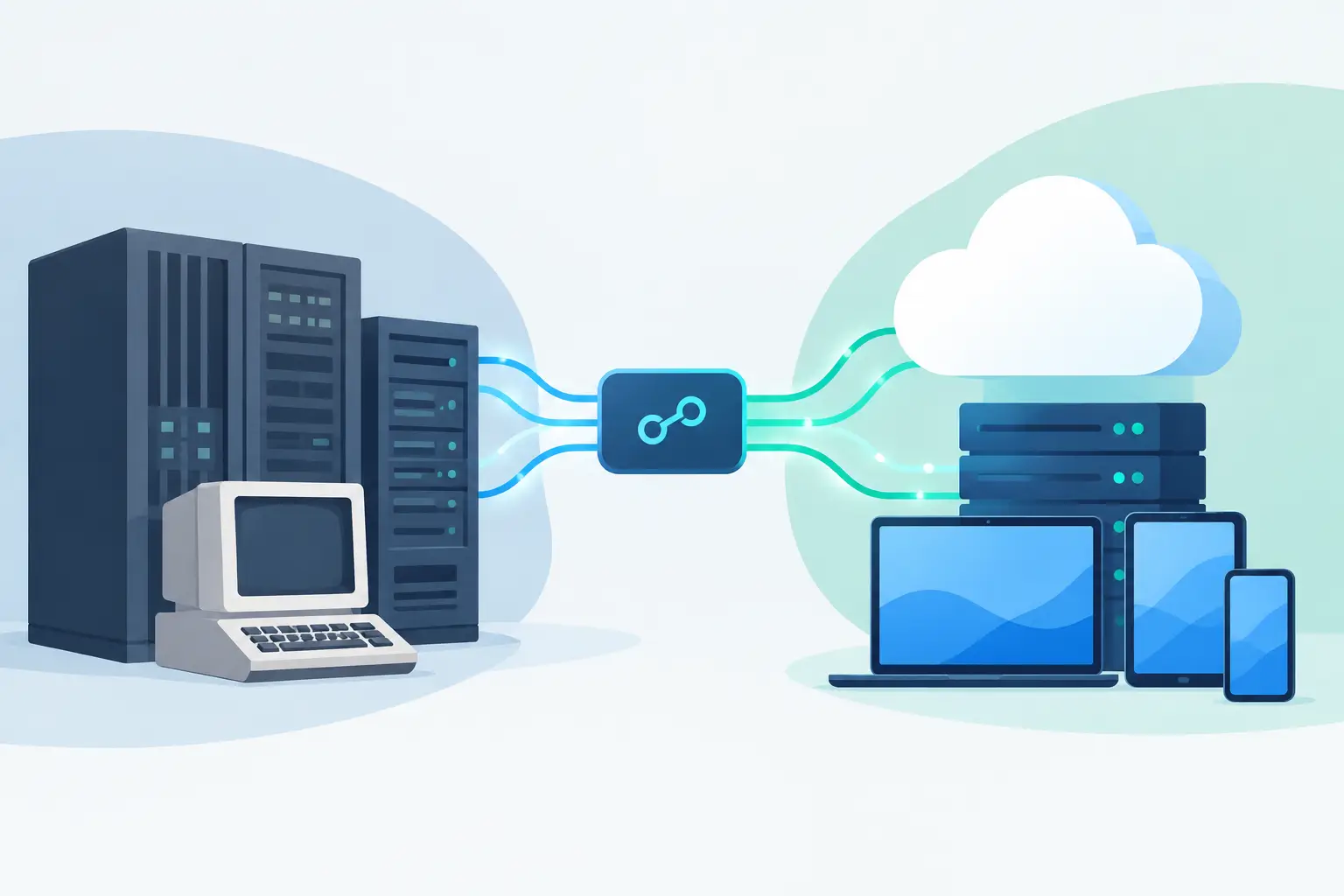
A warehouse team rekeys online orders into an ERP. Finance exports customer data from one system to reconcile it in another. Sales works from a CRM that does not reflect current stock or account status. These are not minor inconveniences. They create delays, errors and decisions based on incomplete information. Knowing how to connect legacy systems starts with treating these gaps as operational problems, not simply technical ones.
A legacy system is not necessarily old or broken. It may be a dependable ERP, purpose-built database, desktop application or industry platform that still runs a critical part of the business. The issue arises when it cannot reliably share data with the CRM, ecommerce platform, supplier catalogue, cloud application or internal workflow tools around it.
Start with the workflow, not the software
Businesses often begin with a request for an API, a connector or a new integration platform. That can be premature. The first question is simpler: where does work stop, get copied, or require someone to check two screens before acting?
Take an order-to-fulfilment process. A customer may place an order through an ecommerce store, while stock, pricing and fulfilment rules live in an ERP. If staff export orders every hour, adjust product codes manually and email exceptions to the warehouse, the integration target is not just "send orders to the ERP". It is a defined workflow: validated orders should arrive in the ERP with the right customer, item, price, delivery details and status, while meaningful fulfilment updates return to the store.
Document the current process with the people who perform it. Identify the systems involved, the data entered or changed at each step, the business rules applied, and what happens when a record does not match. This exposes the real cost of disconnected systems and prevents an integration that moves data quickly but incorrectly.
How to connect legacy systems: map data ownership
Before data moves, decide which system is authoritative for each data set. Without clear ownership, integrations can create a faster version of the same confusion.
Your ERP may own product stock, cost and fulfilment status. The CRM may own leads, contacts and account activity. An ecommerce platform may own website content and customer checkout preferences. A supplier feed may provide catalogue availability, but not the customer-facing product descriptions your team has refined.
For each field, establish whether data should flow one way, both ways or not at all. Two-way synchronisation is useful only when both systems genuinely need to create or change the same information. It also introduces conflict rules. If a customer updates their mobile number online while a sales representative changes it in the CRM, which value wins? The answer depends on the workflow, not on what is easiest to code.
This stage should also account for identifiers. Product SKUs, customer IDs, order numbers and supplier codes need a reliable method of matching records. If one platform calls an item BRK-100 and another uses 100-BRK, the integration needs a maintained mapping rule rather than an assumption that names will match.
Choose an integration pattern that suits the risk
There is no single right architecture for every legacy environment. The sensible option depends on the system's capabilities, data volume, timing requirements, security constraints and the cost of failure.
Four common patterns are worth considering:
-
Direct API integration works well where both systems have stable, documented APIs. It can support near-real-time updates and clear validation, but depends on each platform's limits and ongoing API changes.
-
An integration layer sits between systems and manages transformations, queues, monitoring and retries. It is often the better choice when several platforms need to exchange data, because business rules are not duplicated across every connection.
-
Database or file-based exchange can be appropriate for older applications without modern APIs. Scheduled imports, secure files or vendor-supported database access may be practical. Check vendor support and permissions before touching a production database; use read-only extraction where possible and supported interfaces for writes. Every transfer needs checks for timing, duplicates and failure.
-
A custom internal portal or workflow application is useful when staff need to review exceptions, enrich records or approve actions before data reaches a core system. This is often safer than forcing every edge case through an automated connection.
Direct connections can look cheaper at the outset. They may become difficult to maintain when a third system is added, a vendor changes its API, or data rules become more complex. Conversely, building a full integration platform for two small daily file exchanges may be unnecessary. The architecture should reflect the commercial value and operational risk of the workflow.
Build for clean data and visible exceptions
An integration should not silently pass bad data between systems. Validation needs to happen before critical records are created or updated. Check mandatory fields, valid product codes, tax settings, delivery addresses, customer status and duplicate records according to the rules that matter to your business.
Just as important is a clear exception process. If a supplier SKU cannot be matched or an order contains an inactive item, staff need to know what happened, why it happened and what action will resolve it. An email alert alone is rarely enough. A practical solution records the failed transaction, preserves the source data, assigns responsibility and allows a controlled retry once the issue is fixed.
Monitoring also changes the conversation from "the integration seems broken" to useful operational information. Teams should be able to see when data last synchronised, how many records were processed, which items failed and whether a backlog is growing. This is particularly valuable for order, stock and finance-related flows where a missed update has an immediate commercial effect.
Roll out in stages to protect daily operations
Connecting core systems is not the time for a big-bang release. Start with a contained workflow or a limited set of records. For example, synchronise products from the ERP to ecommerce before enabling stock updates and then order write-back. This limits the scope of early failures while the team tests mapping, performance and exception handling. It does not eliminate operational risk.
Run parallel checks during the early stages. Compare source and destination record counts, sample important fields and verify outcomes with the people who use the data. Define a rollback approach before deployment, especially where an integration can create financial records, alter inventory or update customer information.
Testing should include normal activity and awkward cases: incomplete customer records, cancelled orders, products with variants, duplicate updates, API timeouts and changes made while a synchronisation is in progress. These cases are where manual workarounds tend to reappear if they have not been designed for.
Use AI where judgement is supported, not hidden
AI can improve connected workflows, but it should not be used as a vague replacement for business rules. It is well suited to tasks such as classifying incoming requests, extracting information from documents, drafting responses, summarising notes or routing exceptions to the right team.
For a legacy integration, AI might help interpret inconsistent supplier descriptions or prepare a suggested match for a product record. A person should approve higher-risk changes, particularly those affecting pricing, payments, compliance or customer commitments. Deterministic rules remain the right tool for fields that must be exact.
The useful measure is not whether AI has been added. It is whether the workflow now requires fewer manual touches, produces fewer errors and gives staff better information when they need to act.
Know when custom integration is the better investment
Off-the-shelf connectors can be a good fit for simple, standard workflows. They become less attractive when they cannot accommodate your data model, business rules, approval steps or required system behaviour. Repeated manual fixes around a generic connector are a warning sign that the apparent saving is disappearing.
Custom integration is often justified where systems are business-critical, the workflow differentiates the business, data needs transformation or several platforms must operate as one process. It gives you control over the rules, avoids forcing teams into unsuitable subscription products and can be extended as operations change.
The objective is not to replace every legacy application. It is to make the systems that already hold valuable business knowledge work together reliably. A well-scoped integration project creates a clear path from disconnected data to faster operations, with control retained by the people who run the business.
Codex builds systems integrations and custom software around existing business tools. Bring an example order, the systems it crosses and a failed hand-off to the first discussion so the mapping and recovery rules can be scoped concretely.