
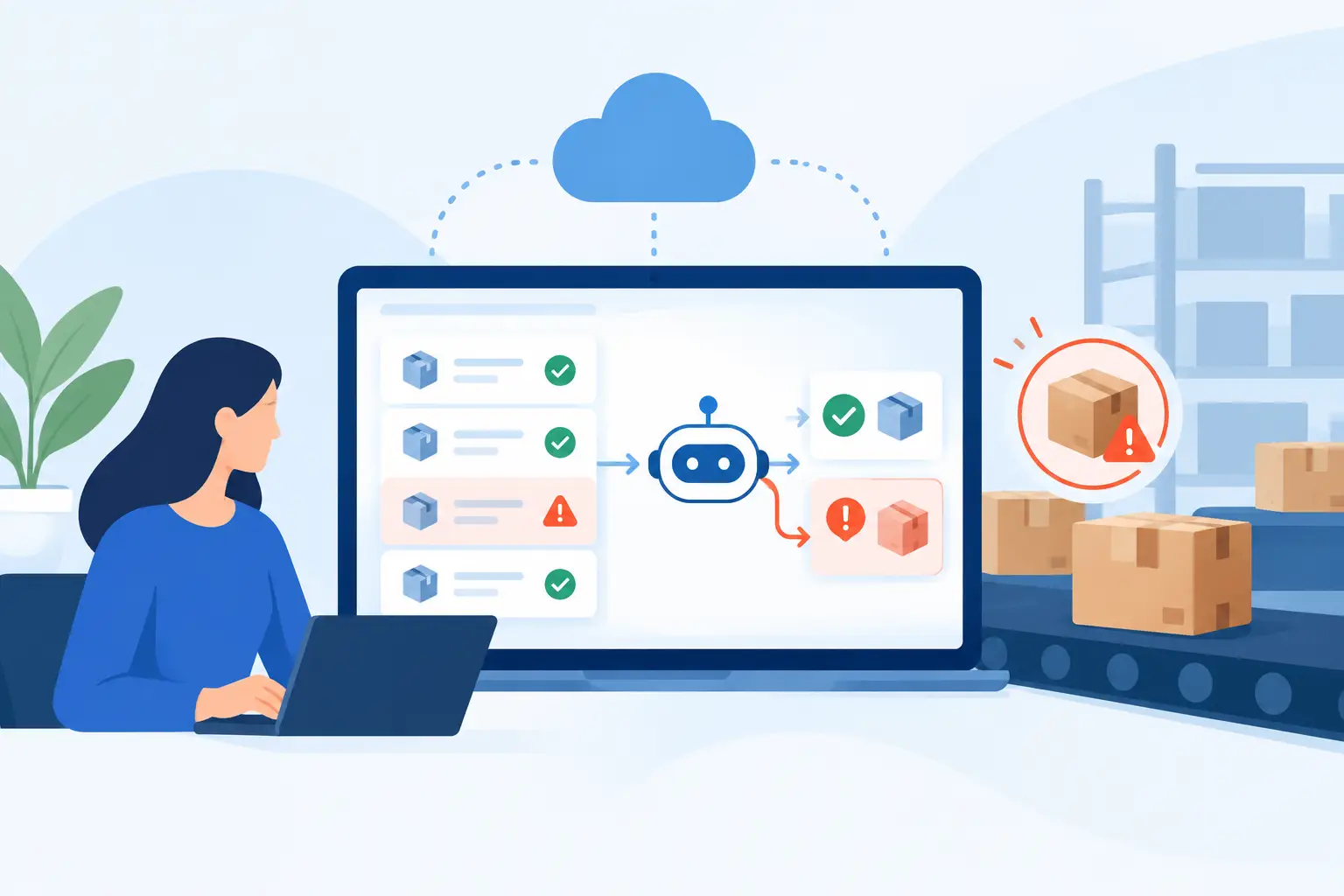
An order marked as paid in ecommerce, unavailable in the ERP and already allocated in the warehouse is not a minor admin issue. It is a customer promise at risk. The same applies when a freight address fails validation, a supplier feed changes a price, or a customer’s credit limit is exceeded after an order is placed. Knowing how to automate order exceptions means designing a controlled path for these cases before they become inbox clutter, phone calls and delayed dispatches.
For most businesses, the goal is not to make every unusual order disappear. It is to identify exceptions early, resolve the straightforward ones automatically and route the genuinely risky cases to the right person with the context they need. That reduces manual handling without handing commercial decisions to a black box.
Start by defining what counts as an exception
An exception is any order that cannot progress through the normal fulfilment flow without a decision, correction or confirmation. The definition needs to reflect how your business actually operates, not the generic rules built into an ecommerce platform or ERP.
A wholesaler might treat a customer-specific price mismatch as an exception. A retailer may care more about a failed delivery-address check or suspected duplicate order. A parts distributor may need to stop an order if supplier availability, vehicle fitment or substitute-item rules are unclear.
Begin with a review of the last 60 to 90 days of held, cancelled, edited and delayed orders. Group them by cause, then quantify three things: frequency, average resolution time and commercial impact. Use the results to identify which recurring problems account for the most work rather than assuming every exception deserves the same investment.
Common categories include:
-
stock shortages, backorders and split-shipment decisions
-
payment failures, fraud flags and credit-limit breaches
-
pricing, discount, tax and freight calculation mismatches
-
incomplete customer, delivery or product data
-
duplicate orders, duplicate customers and conflicting account records
-
supplier availability, catalogue and purchase-order issues
Do not treat this exercise as a reporting project. It is the basis for deciding which rules deserve automation and where human judgement remains necessary.
Map the order journey across every system
Order exceptions are often caused by a gap between systems rather than an error inside one platform. An ecommerce store may accept an order before an inventory update reaches the ERP. A CRM may hold an approved customer account while the finance system still has an expired credit status. Warehouse staff may work from a picking system that does not receive the latest address correction.
Map the actual journey from order capture to dispatch, invoice and customer notification. Include ecommerce, CRM, ERP, inventory, warehouse, payment, freight, supplier and internal approval tools. For each hand-off, document the system of record, the data being passed, the trigger and what happens when that transfer fails.
This quickly exposes weak points. Spreadsheet exports, shared inboxes and staff copying order numbers between systems are not merely inconvenient. They create silent failure points where exceptions are found late or not at all.
A useful design principle is simple: an exception should have one visible status, one accountable owner and a complete audit trail. If the order is on hold, every relevant system should be able to reflect that state. If it is released, the release reason and decision should be recorded rather than buried in an email thread.
How to automate order exceptions with rules and routing
Effective automation separates deterministic decisions from judgement calls. Deterministic decisions use clear business rules and reliable data. Judgement calls involve margin, customer relationships, contractual commitments or risk that cannot be reduced to a single condition.
For example, an automation can check whether the delivery suburb and postcode are valid, whether stock is available and whether the provider-confirmed payment status meets your release policy. Authorisation, capture and settlement are different stages; use the payment provider’s documented status and fulfilment guidance, rather than a storefront label alone. Automation can standardise an address format without changing the intended destination, reserve available stock, create a backorder or split an order where policy allows. It can then notify the customer using approved messaging.
By contrast, a large order for a strategic account with an unusual discount may need sales or finance approval. The automation should not guess. It should pause the order, attach the relevant account history, margin data, stock position and original request, then send it to the correct approver.
A practical exception workflow usually follows this sequence:
-
Detect the exception when an order is created or updated.
-
Validate the relevant data against agreed rules and source systems.
-
Resolve approved low-risk scenarios automatically.
-
Route unresolved cases based on exception type, order value, customer tier, time sensitivity or team workload.
-
Update every connected system with the current status and reason.
-
Escalate overdue exceptions and record the final action for reporting.
Make release and fulfilment actions safe to retry: duplicate or out-of-order messages must not create a second shipment or undo a later decision. Record the action against a stable order identifier and reconcile failures before retrying an uncertain external result.
The value is not simply speed. It is consistency. Two team members should not make different decisions about the same stock shortfall because one has access to more information or remembers an informal rule.
Build for data quality before adding AI
AI can help interpret unstructured information, such as a customer note requesting a delivery change, an emailed supplier availability update or a free-text reason entered by customer service. It can classify the issue, extract key details, draft a response and recommend the next workflow.
It should not be used to compensate for disconnected or unreliable core data. If product codes differ between the store, ERP and supplier catalogue, AI may make the workflow appear smarter while the underlying data problem continues to create errors.
Start with stable identifiers, clear ownership and agreed source systems. Customer IDs, product SKUs, pricing rules, inventory locations and order statuses must mean the same thing across the workflow. Where they cannot be standardised, use an integration layer that translates and records the mapping explicitly.
AI works best as an assistant inside a governed process. Evaluate classification performance on representative cases before enabling automatic routing. A model’s stated confidence is not proof that it is correct. Use measured error rates, escalation rules and ongoing checks; keep consequential payment, credit and dispatch decisions under defined approval controls. Route uncertain cases to a person, and make the original source information easy to review. This approach keeps accountability with the business while reducing repetitive reading, sorting and drafting.
Design the human hand-off properly
A poorly designed hand-off simply replaces one queue with another. Staff receive a notification saying an order has failed, then spend ten minutes opening systems to work out why. That is not meaningful automation.
The exception record should show the order value, customer, items, relevant validation result, recommended action, service-level deadline and history of previous attempts. The person resolving it should be able to approve, reject, amend or escalate the decision from one place where possible.
Routing should reflect operating reality. A payment issue may belong with finance, while a discontinued product should go to purchasing or customer service. Orders approaching same-day dispatch cut-off need different priority from standard orders due next week. A high-value account may warrant a named relationship manager even when the technical cause is routine.
This is where custom workflow software often earns its keep. Off-the-shelf platforms can handle common triggers, but they can become expensive or brittle when you need exceptions to cross several systems, apply business-specific logic and present staff with a purpose-built resolution screen. Codex’s workflow and integration services can help connect existing systems and build the resolution screens or controls needed for the specific bottleneck.
Measure outcomes, then refine the rules
Automation needs operational measures, not just a count of workflows switched on. Track the percentage of exceptions resolved without human intervention, average time on hold, repeat exception types, manual touches per order, dispatch delays and customer contacts caused by exceptions.
Also monitor false positives. A rule that puts too many legitimate orders on hold can create more work than it removes. Likewise, a rule that clears risky orders too easily can lead to write-offs, margin leakage or avoidable delivery costs. The right threshold depends on your order volume, risk tolerance and customer promise.
Review exceptions monthly with operations, finance, customer service and technology stakeholders. Retire rules that no longer reflect the business, add automation where patterns are proven and investigate categories that keep returning. Recurring exceptions are often evidence of a deeper issue in catalogue management, pricing governance, stock processes or integration design.
Start with one recurring exception, a documented decision rule and an accountable owner. Measure whether the change reduces time on hold without increasing incorrect releases, then expand the workflow using that evidence.