
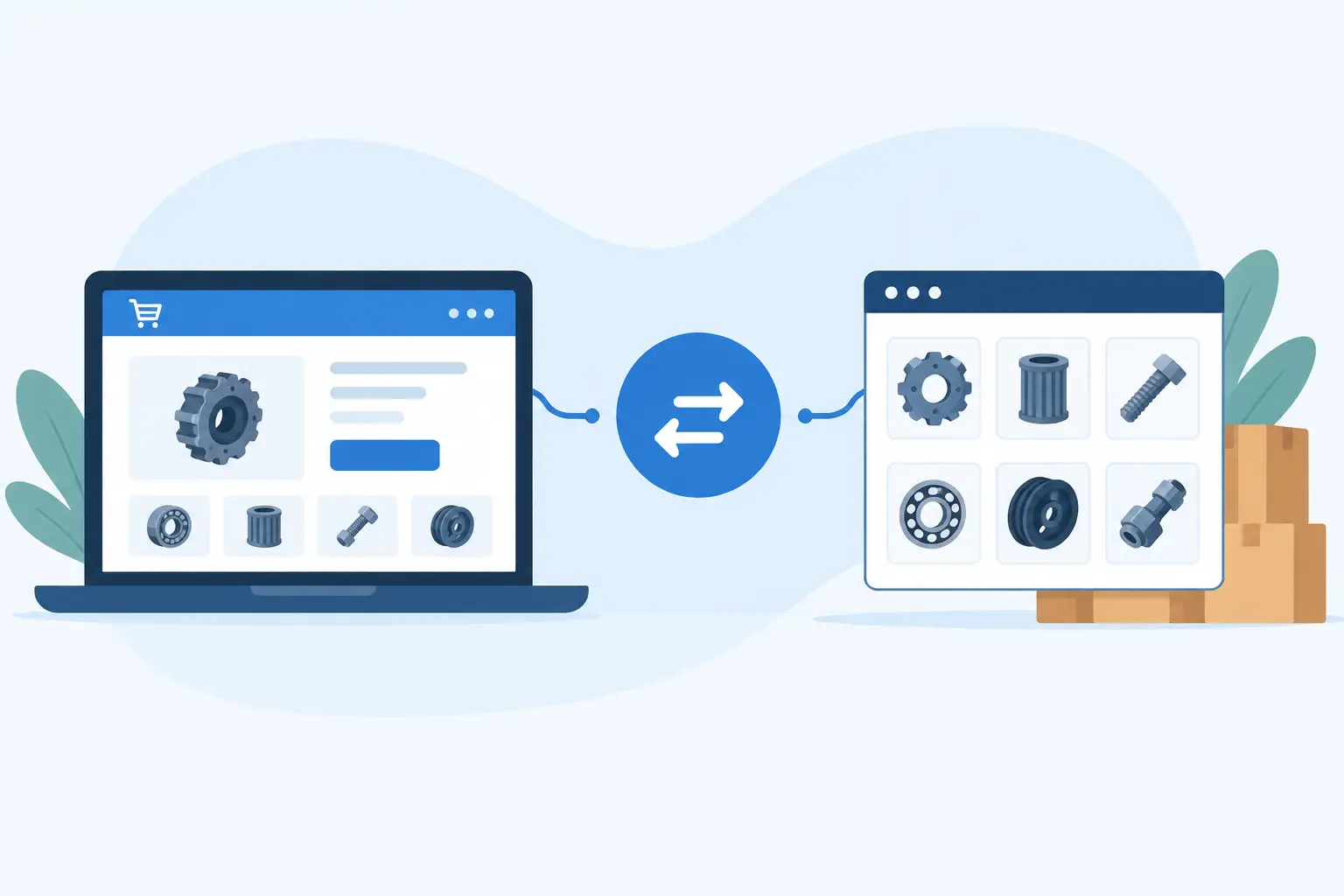
A parts catalogue can look complete at 9 am and be commercially wrong by lunchtime. A changed price, discontinued line or missed stock update can leave customers ordering products you cannot supply at the advertised margin. Pinnacle Parts ecommerce integration gives retailers and trade suppliers a practical way to keep supplier data, online listings and order workflows connected rather than relying on spreadsheets and repeated manual updates.
For businesses selling automotive, industrial or specialist parts online, this is not simply a catalogue exercise. It affects quoting accuracy, customer confidence, fulfilment speed and the amount of time your team spends fixing avoidable exceptions. The right integration turns supplier data into a controlled operating process, not another inbox task.
What Pinnacle Parts ecommerce integration should do
At its core, an integration should move the data your business needs from Pinnacle Parts into the systems where your team and customers use it. That commonly includes product descriptions, part numbers, categories, images, pricing, stock availability and fitment-related information where available. It should also support the flow of ecommerce orders back into the appropriate order-processing workflow.
The detail matters. Publishing every available field without rules can create a cluttered store and inconsistent customer experience. Conversely, importing only a basic name and price may force staff to answer questions that better product data could have handled before the customer called.
A useful implementation applies business rules to the feed. You might publish only selected brands or product categories, apply a margin rule by supplier category, exclude low-availability items, or use your own product copy for priority ranges. The objective is not to copy a supplier catalogue blindly. It is to create an online catalogue that reflects how you sell.
Order integration is equally important. When an order is placed, the relevant details should be available to the people or systems responsible for fulfilment without rekeying customer information, delivery details and line items. Depending on your operation, that may mean sending orders to an ERP, CRM, warehouse tool, internal workflow system or supplier ordering process.
Where manual catalogue processes break down
Many businesses start with a reasonable workaround. A staff member exports a file, formats it for the store, uploads products and makes periodic price adjustments. That can work for a small, stable range. It becomes fragile when the catalogue expands, supplier pricing changes regularly or online order volume increases.
The issue is not that spreadsheets are inherently poor tools. The issue is that they provide no dependable connection between source data and customer-facing data. Every export creates another version of the truth. Staff then need to remember which file is current, what has been overridden, and whether an update should also be made in the ecommerce platform, accounting system or warehouse process.
The commercial cost usually appears in small incidents rather than one obvious failure: a part sold below margin, a customer promised stock that is unavailable, duplicate products in search results, or a team member spending Friday afternoon reconciling orders. These interruptions add up and make growth feel more expensive than it should.
A structured integration reduces that exposure by establishing clear ownership of each field. Supplier data can remain the source for availability and base pricing, while your ecommerce platform remains the source for merchandising, landing pages and customer-facing promotions. Your internal systems can retain ownership of customer and fulfilment status. This separation makes updates safer and easier to troubleshoot.
Design the data flow around your operating model
There is no single correct Pinnacle Parts ecommerce integration design. The right approach depends on your catalogue size, platforms, fulfilment model and the level of control you need over listings.
A trade-focused business may prioritise fast availability updates, account-specific pricing and an efficient order hand-off to internal sales staff. A consumer-facing store may place more emphasis on clean category structures, search filters, curated descriptions and product imagery. A business running both channels may need different pricing, visibility and workflow rules for each audience.
Before building anything, map the path from supplier data to customer order. Identify where products are created, which fields can be updated automatically, who approves exceptions, and where an order needs to go next. This exposes decisions that are often hidden inside manual processes.
For example, a supplier may provide thousands of products, but you may only want to list items that meet a minimum gross-margin threshold and are available for delivery within a defined timeframe. That rule belongs in the integration logic, not in a staff member's memory.
The same applies to product matching. If you already sell overlapping ranges from multiple suppliers, product identifiers and duplicate handling need careful consideration. A simple import can create competing pages for the same product or overwrite a listing that has better content and established search performance. Matching logic needs to be deliberate, particularly where manufacturer part numbers, variants and bundle products are involved.
Choose the right sync frequency
More frequent updates are not automatically better. Near-real-time synchronisation may be appropriate for stock-sensitive products or high-volume order flows, but it can increase API usage, complexity and the number of changes your team must monitor. Daily or scheduled updates may be sufficient for stable catalogue content and less volatile pricing.
A practical model often separates data by its rate of change. Product descriptions and images can be updated less often. Stock and price feeds may need more regular synchronisation. Orders should generally move quickly enough to support the fulfilment promise made to customers. This approach keeps the system responsive without paying for unnecessary complexity.
Preserve control where it creates value
Automation should remove repetitive work, not remove commercial judgement. Your team may need to override supplier descriptions, hide selected products, set campaign prices or prevent particular lines from being sold online. Those controls should remain available without breaking the next scheduled sync.
This is where generic connector tools can fall short. They may move fields from one platform to another, but they are often limited when rules, exceptions and approval processes become specific to your business. A custom-fit integration can preserve the parts of your workflow that differentiate you while automating the repetitive administration around them.
Build for exceptions, not just the happy path
Every integration needs a plan for imperfect data. Supplier fields may be missing, image URLs may fail, categories may change or an ecommerce platform may reject a product update. If the system only works when every record is perfect, staff will still spend their time chasing errors manually.
A stronger design identifies exceptions, records what failed and sends the right person a useful notification. Rather than receiving a vague message that a sync has failed, an operations team should be able to see which products were affected, why they were excluded and what action is required. In some cases, the system can safely retry. In others, it should pause a specific item for review without stopping the entire feed.
Monitoring is part of the operating model, not an afterthought. Track how many products were created, updated, skipped and rejected in each run. Check whether pricing changes fall outside expected ranges. Review whether order records are reaching the next system within the required timeframe. These checks turn integration reliability into something the business can manage.
Security and access also deserve attention. API credentials should be stored securely, permissions should be limited to what the connection needs, and changes to pricing or catalogue rules should be traceable. These are straightforward controls, but they are often neglected when a connection begins as a quick fix.
When a productised connection is enough
A productised integration service is often a sensible starting point when your requirements are clear: synchronise a defined Pinnacle Parts catalogue, apply standard commercial rules and send ecommerce orders into an established workflow. It can reduce implementation time and provide predictable monthly costs compared with building every component from scratch.
Pinnacle Parts Integration Connect, for example, offers catalogue synchronisation, API access and API ordering from $299 per month. Sending storefront orders back into Pinnacle is a separate add-on, so confirm the required order flow before choosing a plan. This type of service suits businesses that need a reliable connection without funding a large custom software project on day one.
Custom development becomes more appropriate when the workflow extends beyond a standard connection. You may need multi-supplier product matching, account-specific trade pricing, approval queues, a customer portal, ERP integration or specialised fulfilment rules. The decision should be based on the value of the process being automated, not on a preference for custom technology.
Measure the outcome in operational terms
The useful measures are rarely technical alone. API calls and sync logs matter to the delivery team, but commercial leaders should look at the outcomes those systems create. How much time has been removed from catalogue administration? Are pricing errors declining? Are more products available to sell without adding overhead? Has the time from online order to fulfilment improved?
Set a baseline before implementation where possible. If staff currently spend eight hours a week updating product data, that is a clear number to test against. If order rekeying creates regular errors, record the error rate and the time spent resolving it. These measures help determine whether the integration is delivering a return rather than simply adding another technology cost.
The best starting point is usually one high-value data flow with clear ownership and measurable pain. Once product, price and order movement are dependable, you have a cleaner foundation for better customer portals, automated sales workflows and more capable reporting. That is how an ecommerce integration becomes useful infrastructure rather than another system your team has to work around.